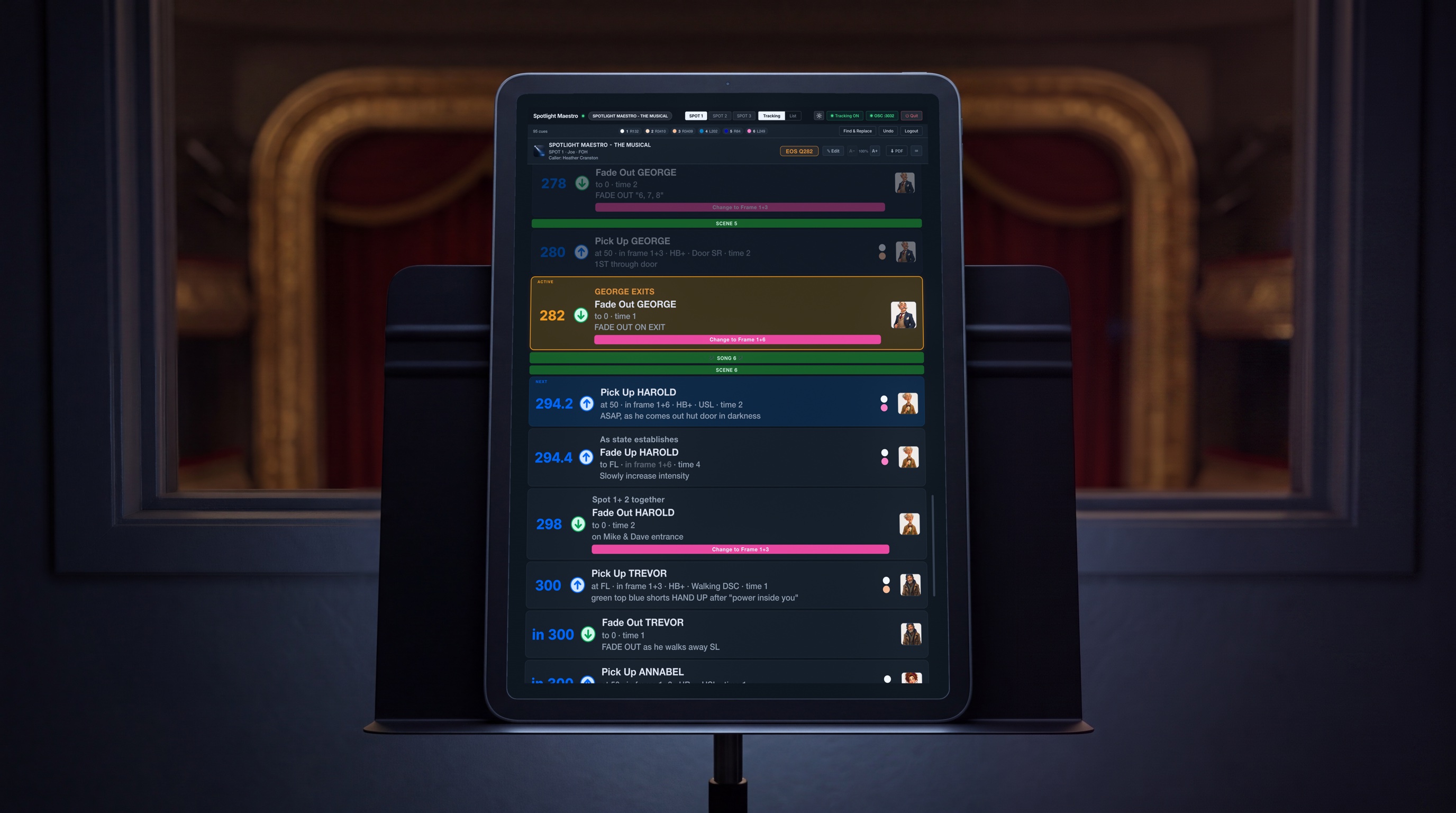
Tracking
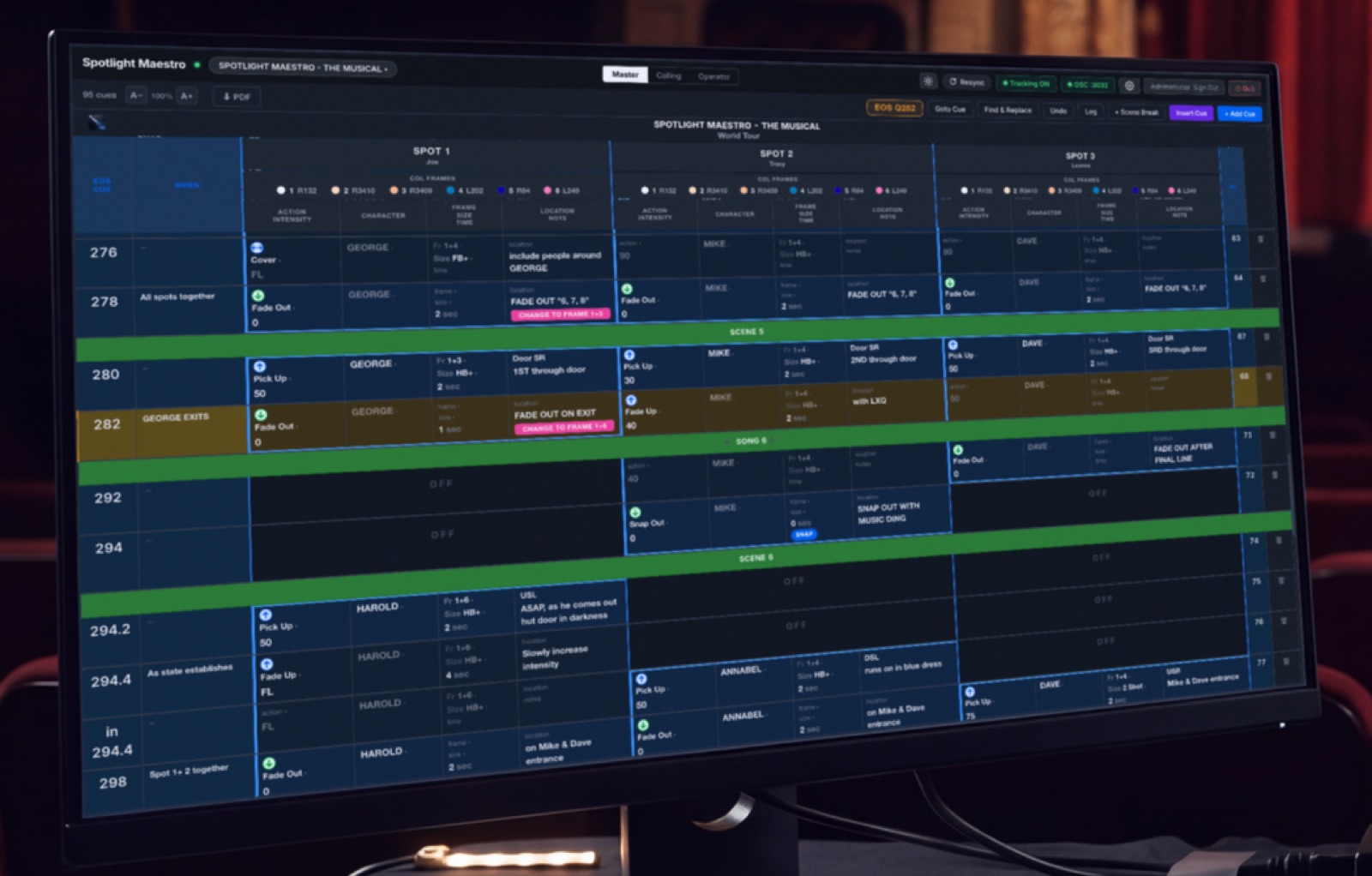
One large card per cue, only this spot's cues, scrolling with the console. The active cue is held high and centred; the next is lit and waiting. Three styles to choose from. Advance by touch, keys or footswitch.
 SPOTLIGHTMAESTRO
The Followspot Cueing System
Spotlight Maestro is followspot cueing software for live production. It retires the paper plot. Every operator gets a live cue sheet on their own screen. It tracks your ETC Eos or grandMA console, scrolls to the cue you are in, and keeps every spot, the caller and the production desk on the same page.
Eos grandMA2 grandMA3 every device scrolls to the matching spot cue
one host machine Mac or Windows any browser joins edits sync live a green dot for every tablet on the network
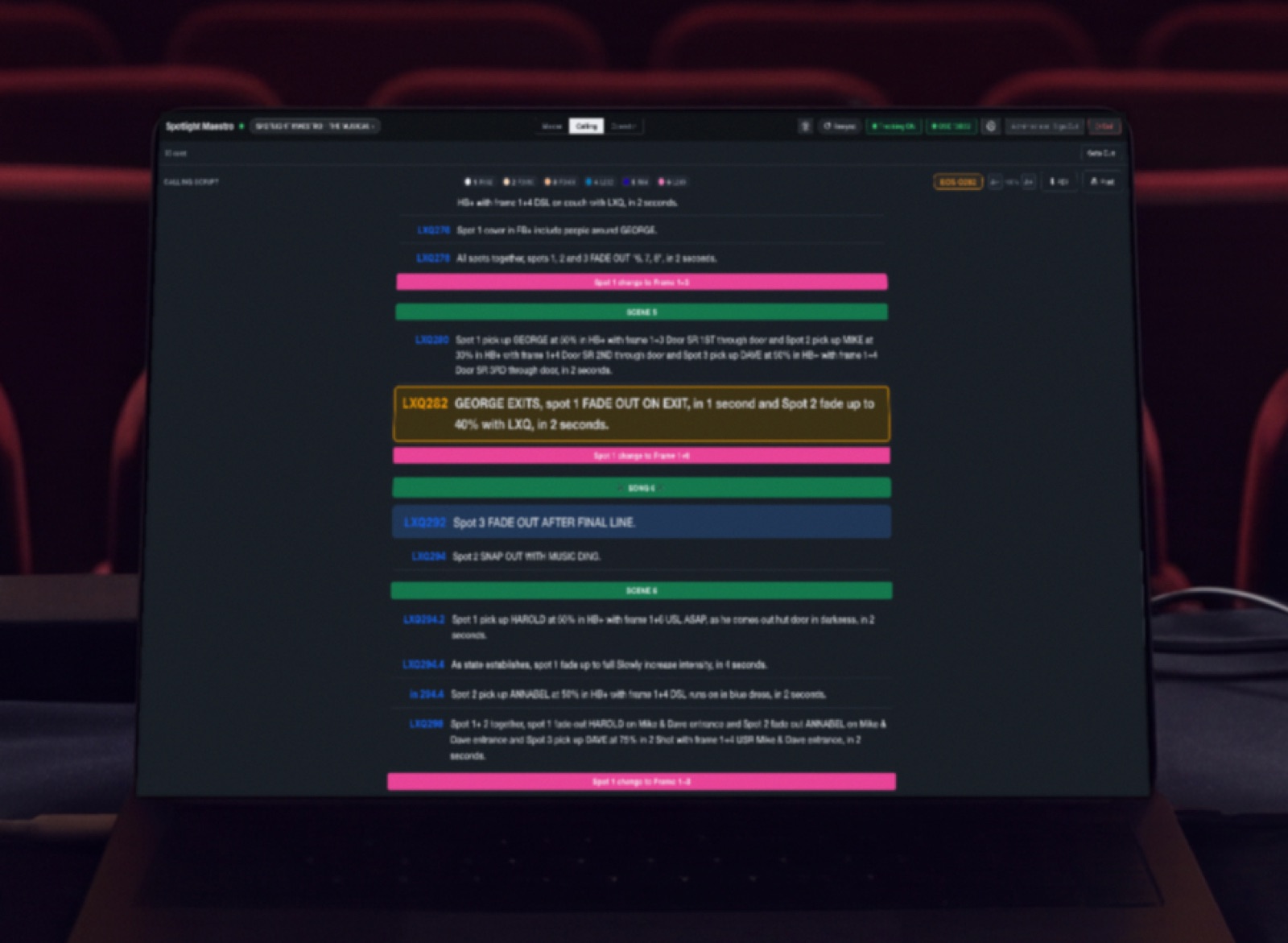
every cue as a spoken line concise and accurate read it live or print it
Author Admin Operator Touring Operator every edit logged
fixed IPs or DHCP no internet required nothing loads from the web while it runs
CSV in and out operator sheets master plot calling script as clean PDFs
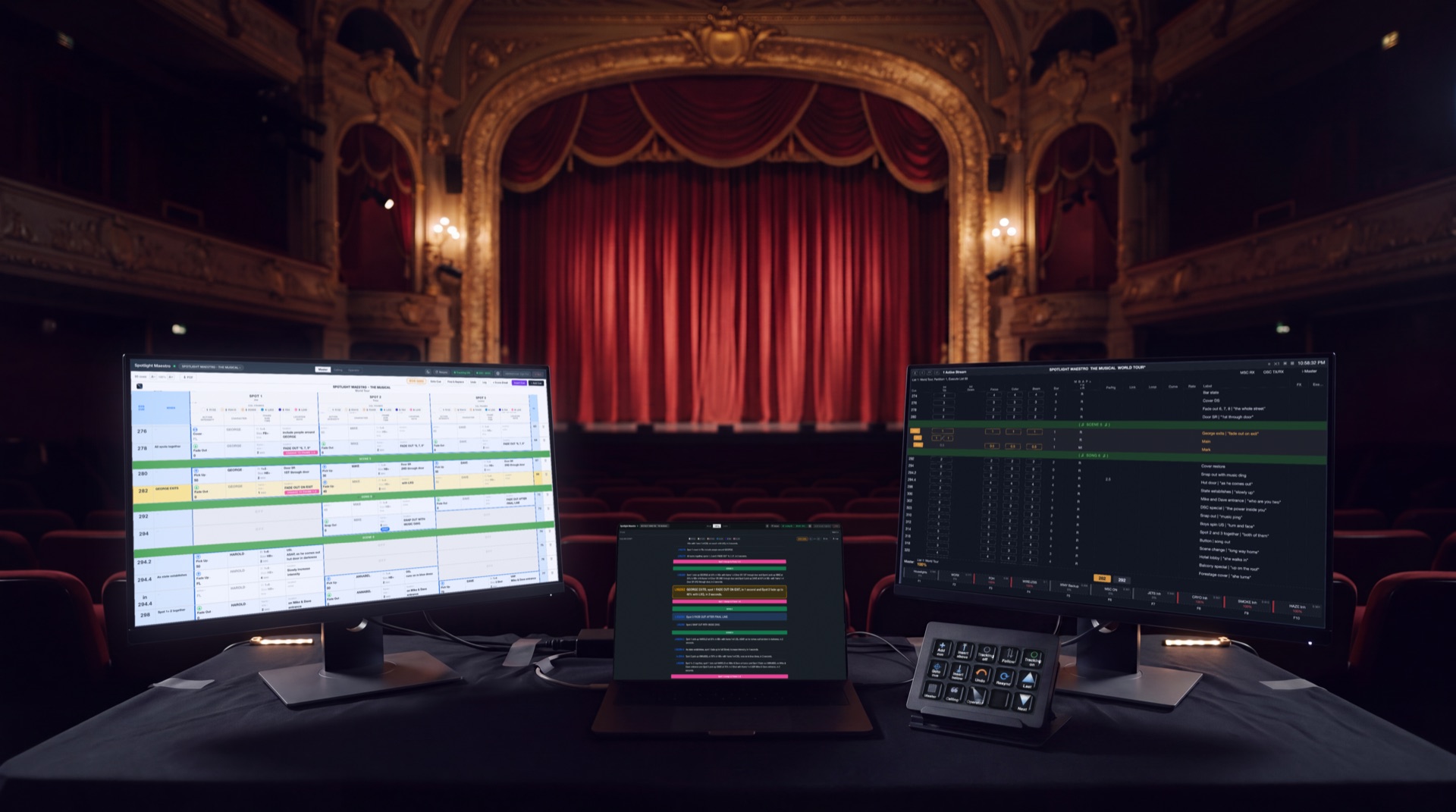
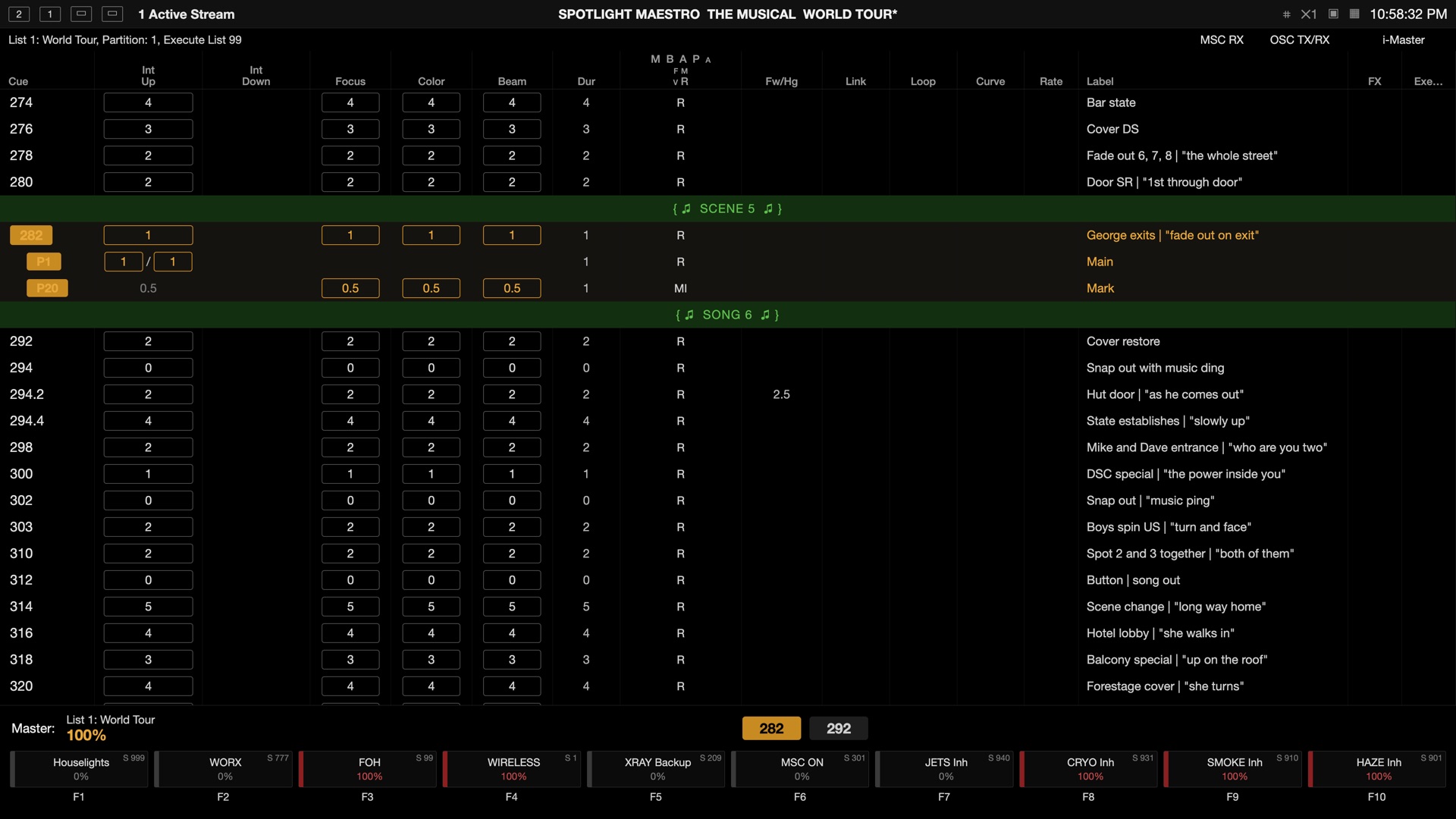
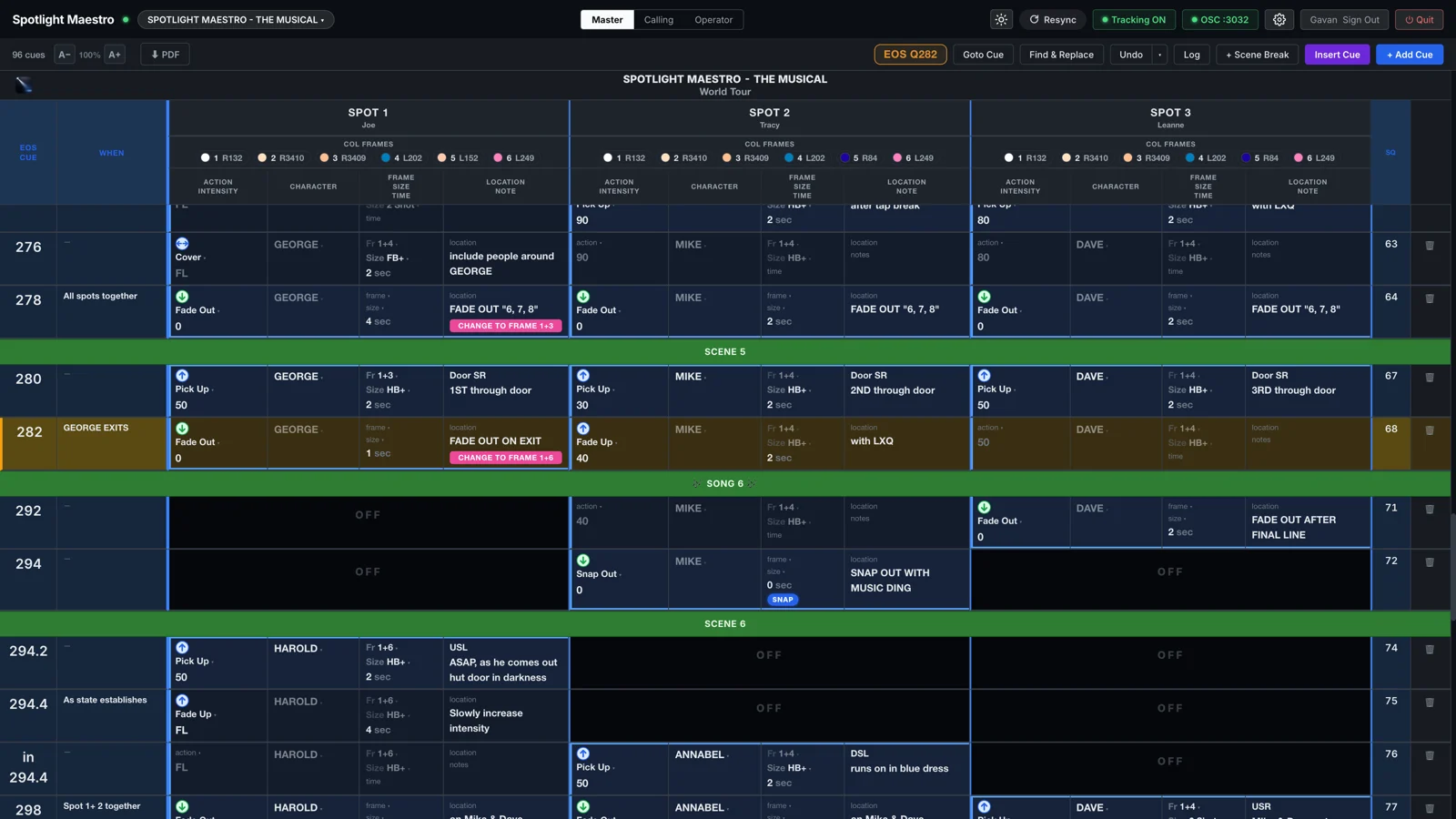
The master plot, the calling script and the console screen, live on one production desk.
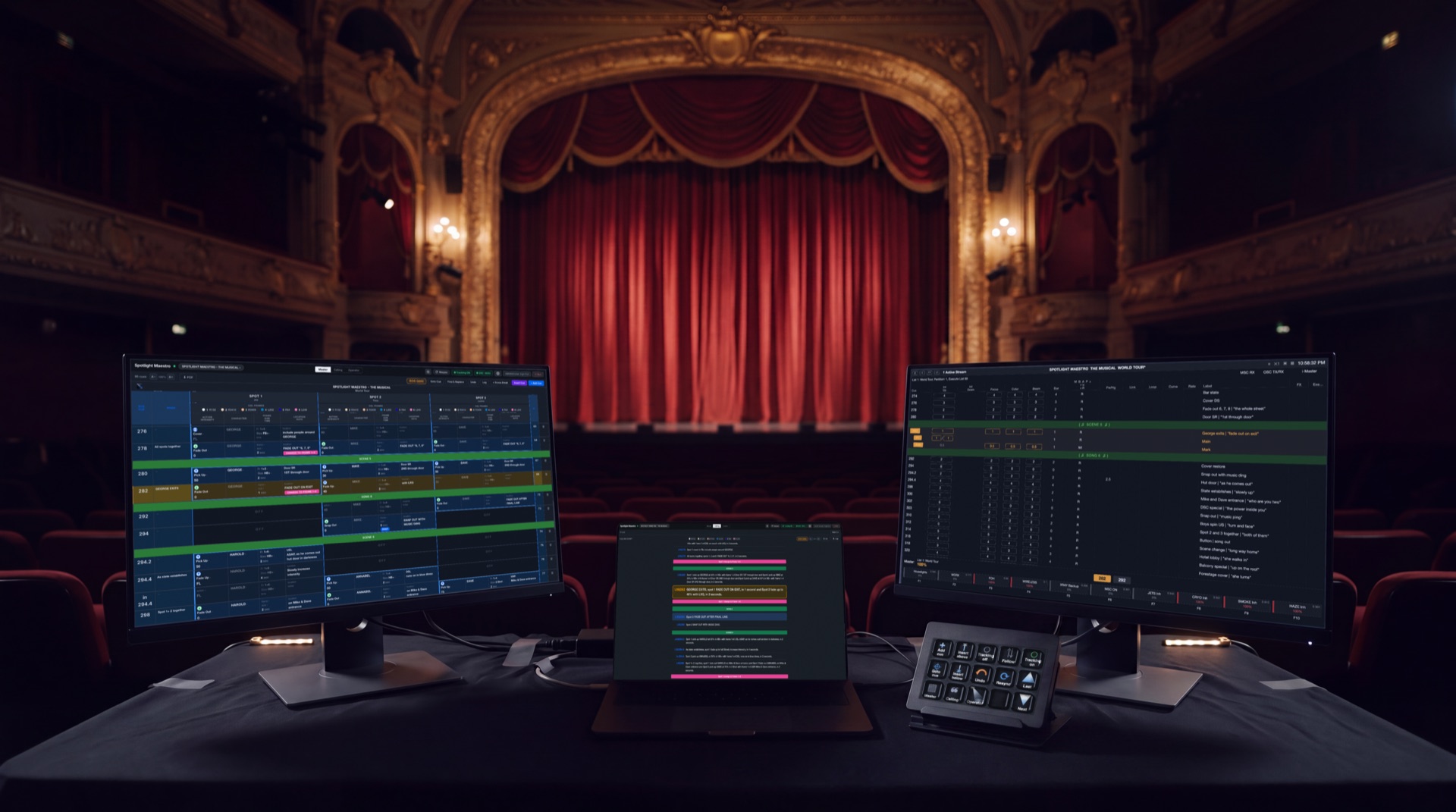 The production desk · master plot, calling script, Stream Deck and the console screen
A tablet on a stand replaces the paper plot. Only that spot's cues, scrolling with the console, with the active cue held high and the next one lit and waiting.
Nothing is installed on any device. If it has a current browser, it is a spot plot.
The booth · the operator's own cue sheet
On the tablets the operators already hold.
One large card per cue, only this spot's cues, scrolling with the console. The active cue is held high and centred; the next is lit and waiting. Three styles to choose from. Advance by touch, keys or footswitch.
The traditional cue sheet as a compact table, easy reading at arm's length on a stand. Designed for landscape view or laptop. Operators with edit rights change any cell in place.
The reference sheet: colour loads with gel names and numbers, the size shorthand spelled out, the cast with photographs, the scenes with their cues. PDF function, dark for a screen or light for paper.
Licensed per production and bought outright. No subscription. No monthly fee, no renewal date, and nothing to reactivate. It never phones home and it never expires.
Yes. It tracks the Eos console over the show network, and every operator's followspot cue sheet scrolls to the live cue the moment the console fires it.
Yes, grandMA2 and grandMA3, the same way.
Any tablet, phone or laptop with a browser, on the show Wi-Fi. There is nothing to install on their devices.
No. It runs on the show network, and nothing loads from the web during a performance.
Up to twenty per production, with any number of screens reading the plot.
US$60 per production, plus tax at checkout. Every operator is included and there is no subscription.
Yes. The demo licence is free, never expires, and comes with a plotted sample show. It caps the plot at thirty cues; everything else is the full app.
Yes, as a CSV file: from a spreadsheet, or exported from CuePoints.
Nine pages walk the whole system, from the first download to the plot itself.